Frontend Project Initial Setup (GitHub, Without React)
Foreword
I was trying to start practicing JavaScript calculator, but encountered several issues Unexpectedly, where to start, and how to link Github. (for some reason, I encountered - fatal : adding files failed)
In addition, I need to organize these whole sequences for my full stack project later. (Leaving traces is always worth doing.)
Frankly, I thought it's the same with Spring Project, but,, I am trying not to use React. I will only try it with Plain JavaScript & Html & CSS.
Visual Studio - Html, CSS, JavaScript
Create a New Project Directory
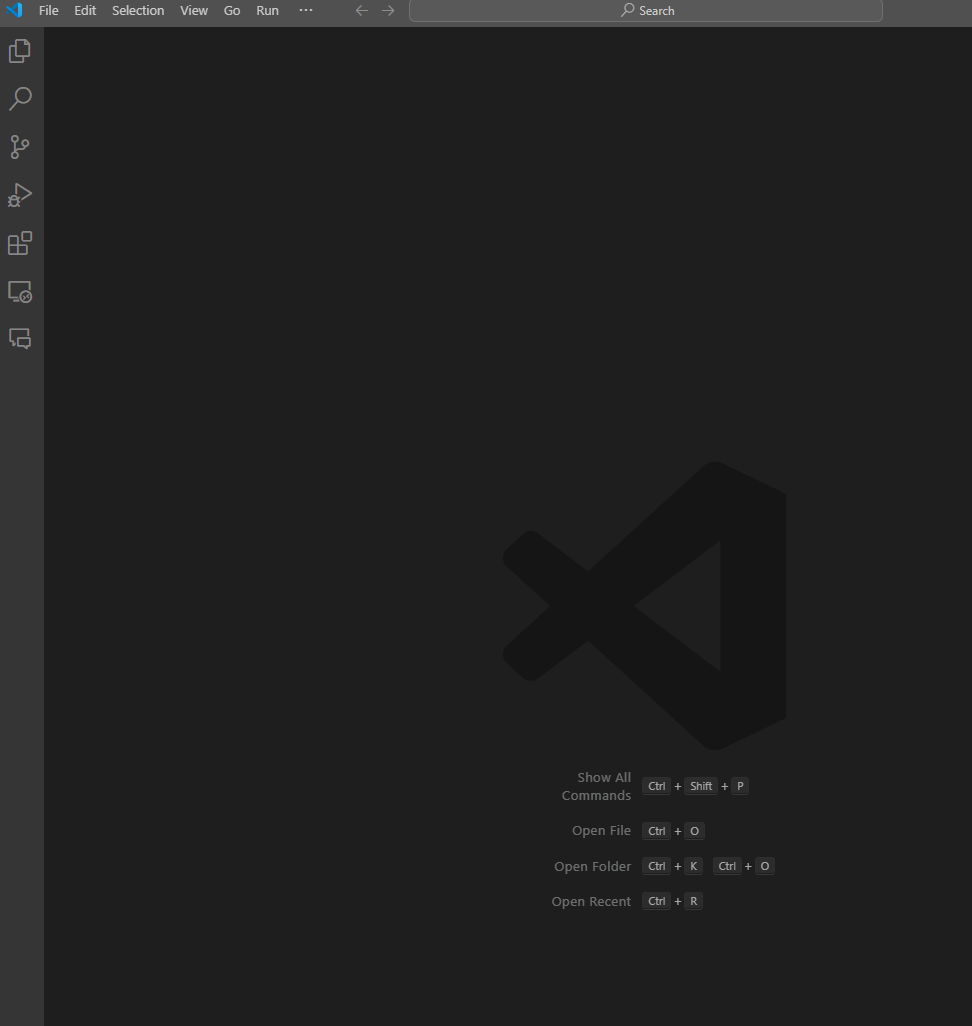
Initial State
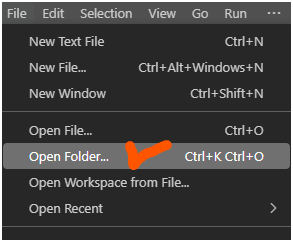
Open & Close Folder Visual Studio
Can Open Folder
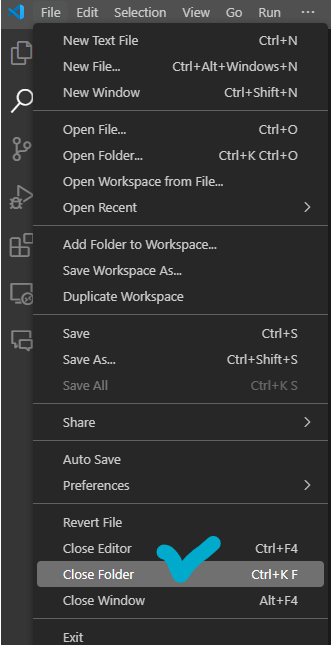
Can Close Folder
1.Create a directory for your project:
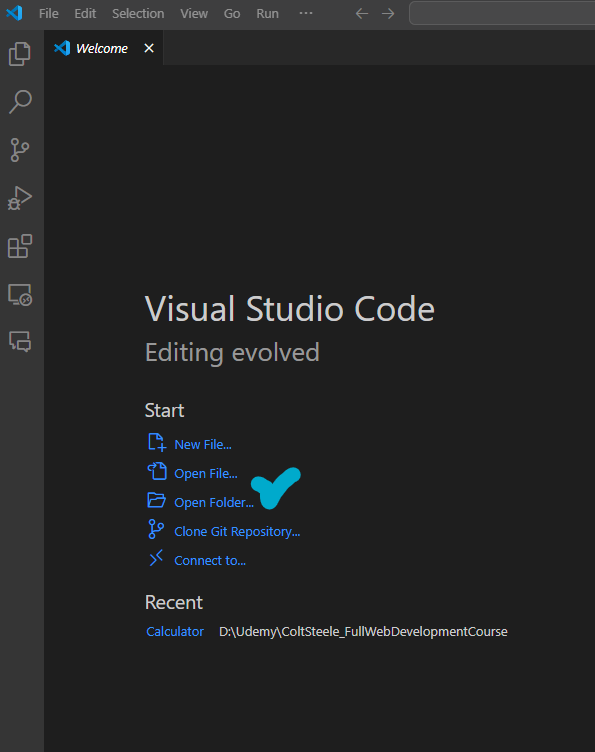
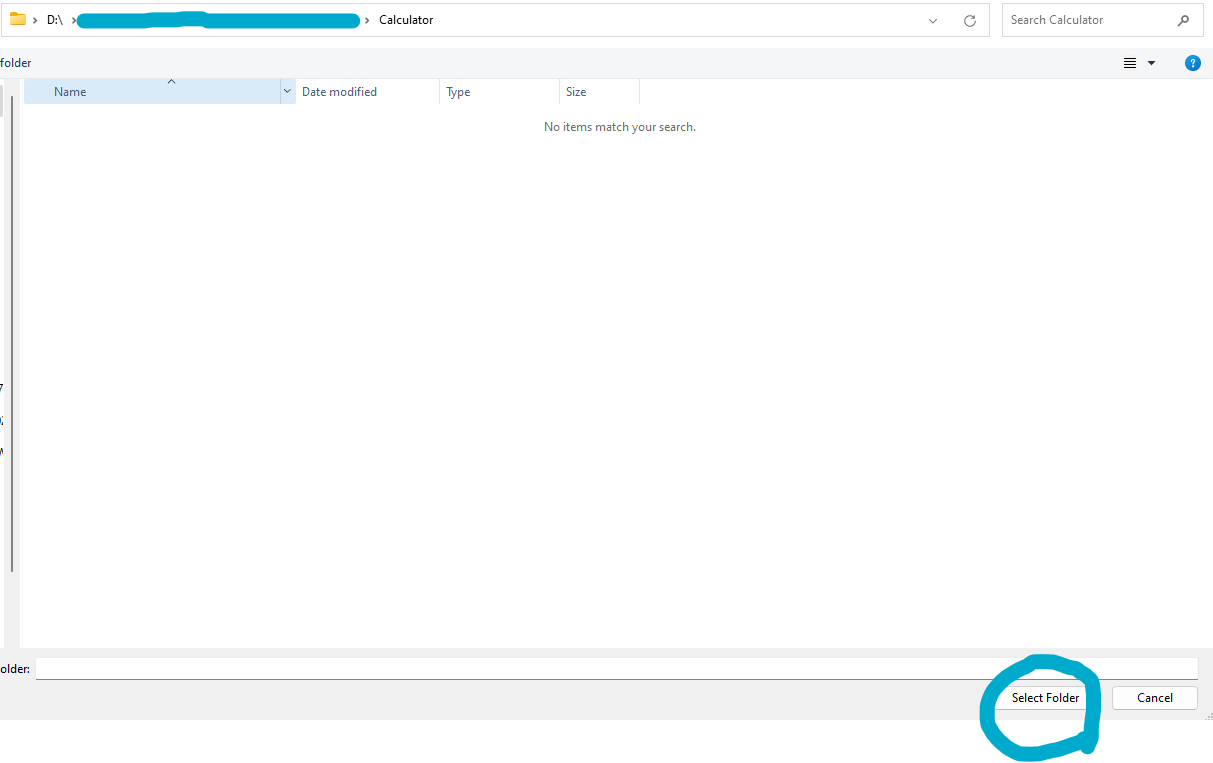
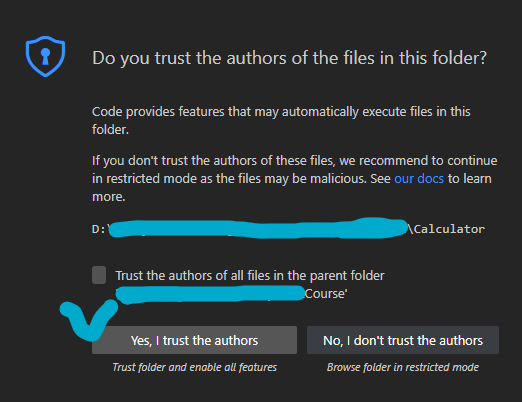
Yes, I trust the authors
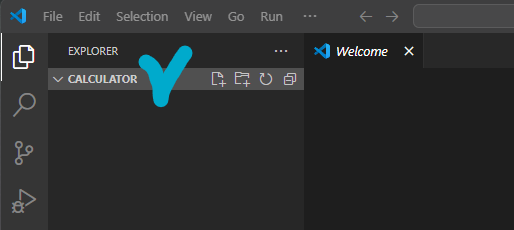
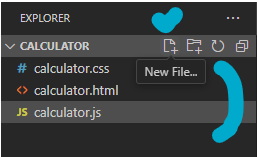
You can see CALCULATOR folder on the left EXPLORER tap
2. Create Your Project Files
Create your HTML, CSS, and JavaScript files. For example:
index.htmlstyle.cssapp.js
\==> Create New File In the current directory
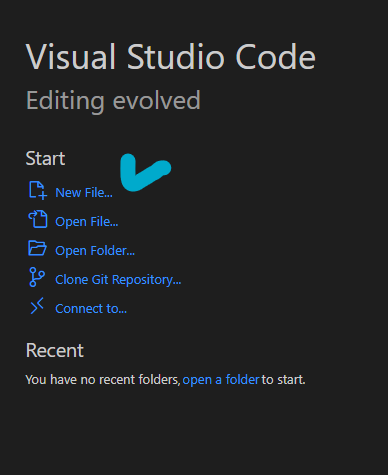
or
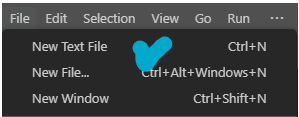
calculator.html
calculator.css
calculator.js
Linking GitHub
Commands Summary
# Initialize a Git repository
git init

# Add project files to Git
git add .

# Commit the changes
git commit -m "Initial commit for plain JavaScript, HTML, and CSS project"

# Add the remote repository (replace with your remote URL)
git remote add origin https://github.com/yourusername/my-frontend-project.git

# Push changes to the remote repository
git push -u origin main
Html, CSS, JavaScript
# Create your HTML, CSS, and JavaScript files
echo "<!DOCTYPE html><html lang='en'><head><meta charset='UTF-8'><meta name='viewport' content='width=device-width, initial-scale=1.0'><title>My Frontend Project</title><link rel='stylesheet' href='style.css'></head><body><h1>Hello, World!</h1><script src='app.js'></script></body></html>" > index.html
echo "body { font-family: Arial, sans-serif; background-color: #f0f0f0; text-align: center; margin-top: 50px; }" > style.css
echo "document.addEventListener('DOMContentLoaded', () => { console.log('JavaScript is working!'); });" > app.js
Open Terminal (Visual Studio)

1. Initialize a Git Repository
git init

2. Add Project Files to Git
git add .

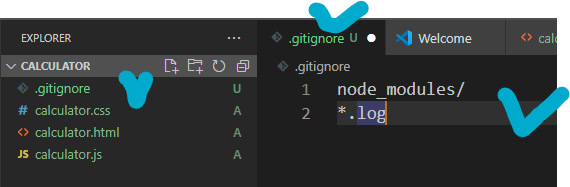
3. Create a .gitignore File (Optional)
For a basic HTML/CSS/JS project, it's not necessarily need specific .gitignore file, but you can include common exclusions:
gitignoreCopy codenode_modules/
*.log
node_modules: directory, which is where Node.js packages are installed. This directory can be quite large and contains dependencies (not necessary for .gitignore) <- I just added this for common use, I don't think it's needed for this.*.log: log is also for debugging and runtime information, which is not necessary for this too.
6. Commit Your Changes
git commit -m "Initial commit for plain JavaScript, HTML, and CSS project"
Before commit.
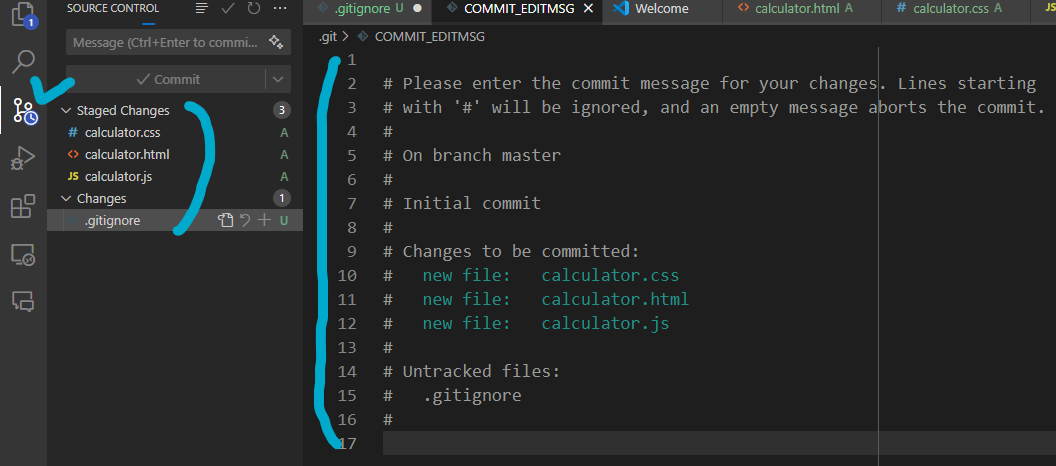
After
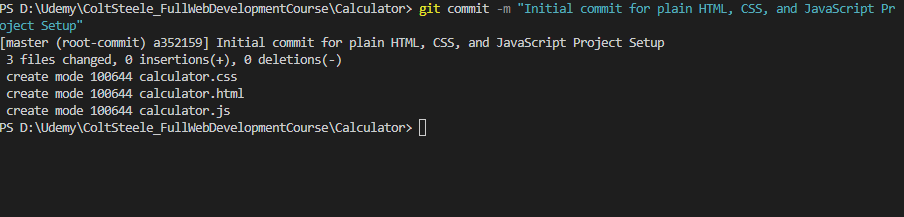
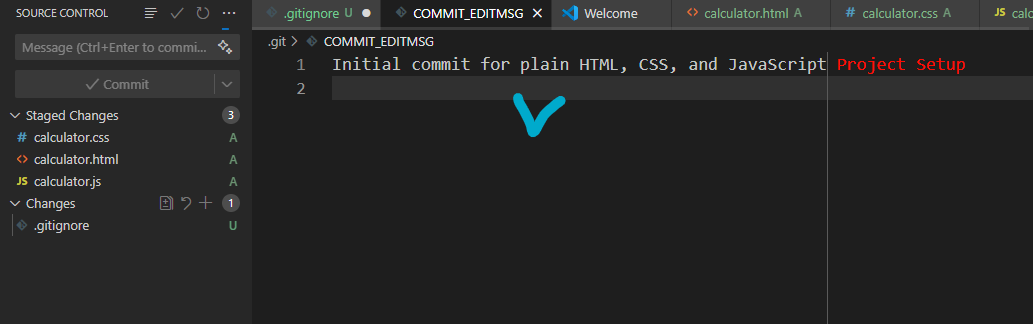
7. Create a Remote Repository
Create a new repository on GitHub
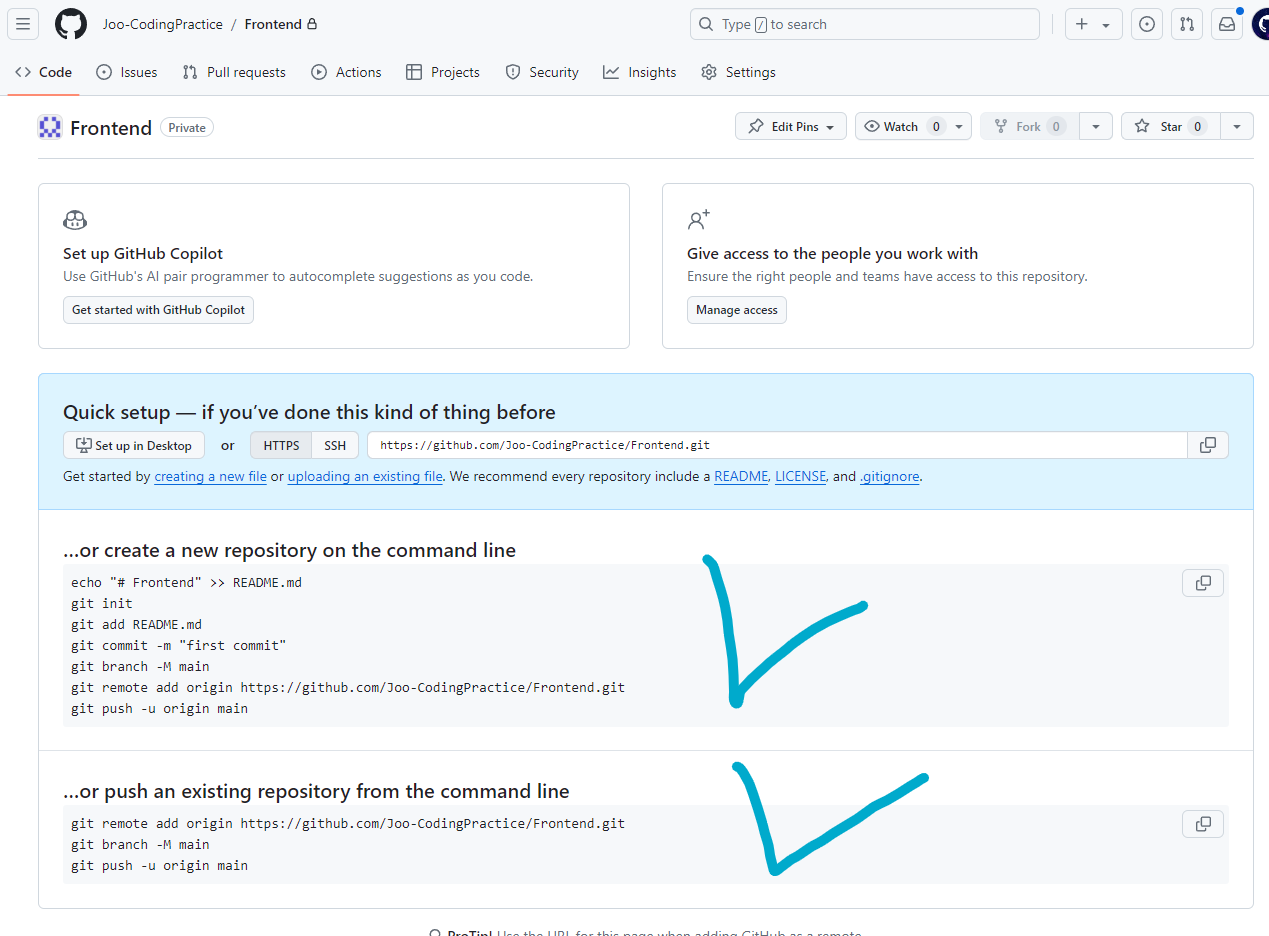
8. Add the Remote Repository
git remote add origin REMOTE_URL

==> replace REMOTE_URL with remote repo's URL
git remote add origin https://github.com/Joo-CodingPractice/Frontend.git


9. Push Your Changes to the Remote Repository
git push -u origin master

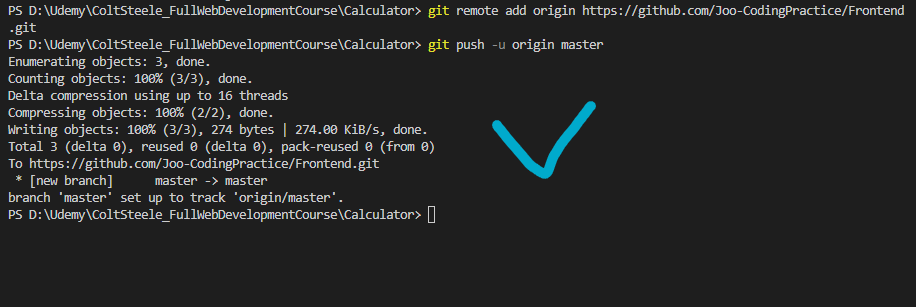
10. Verify the Push
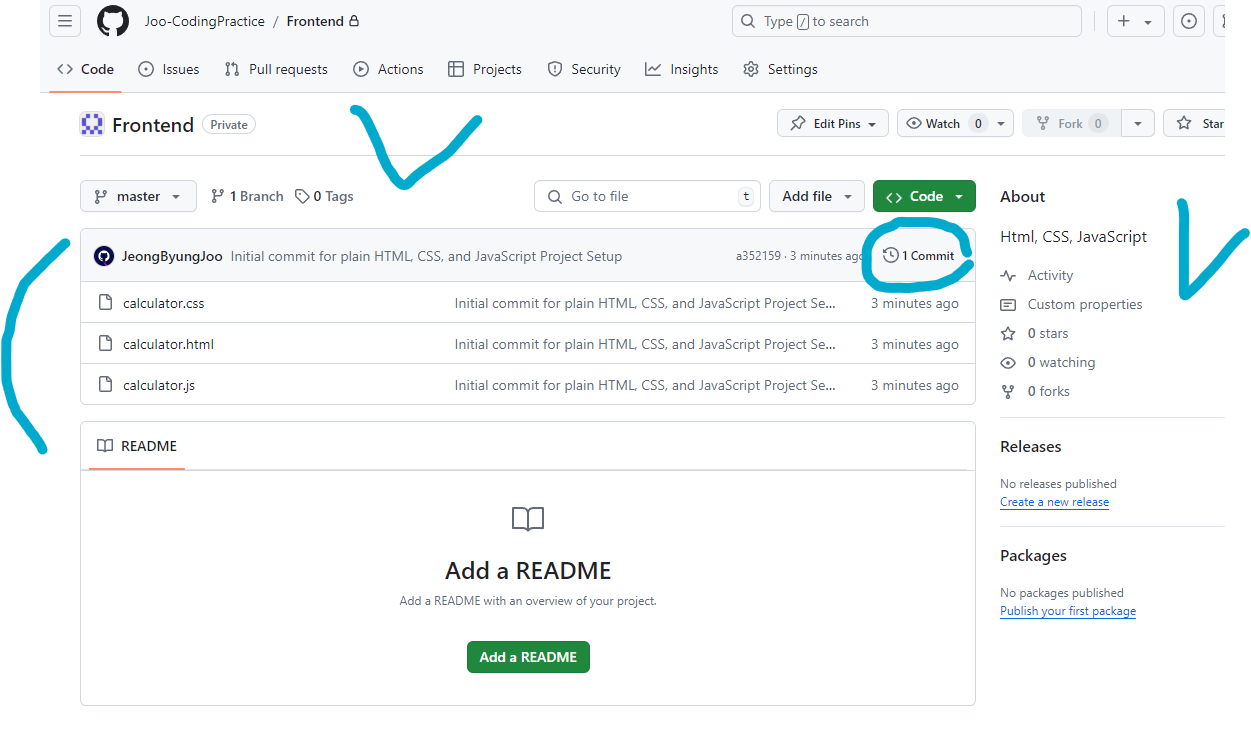
On Github, you can check the commit.